
A company works through an employee's last day. Revoking the accounts is one technical task, but on the compliance side, that single change ripples into several records that all need updating.
It touches System and Organization Controls 2 (SOC 2) evidence and an ISO/IEC 27001 access review, among others. Multiply that by every change a company makes in a year, over every framework it answers to, and you have the job continuous compliance software is built for.
The software helps teams track requirements, maintain evidence, and manage compliance gaps between audits. This guide covers what it is, how it differs from automated monitoring, where it helps by framework, and why it matters for Cybersecurity Maturity Model Certification (CMMC).
TL;DR
- Continuous compliance software keeps a compliance program current year-round by tracking controls, organizing evidence, and surfacing compliance issues between audits.
- It supplements periodic audits with continuous compliance monitoring, so compliance status reflects reality today, not only the last audit date.
- The category splits into two: some tools connect to systems to automate control testing and evidence collection, while others keep documentation, ownership, and remediation organized.
- One platform can track multiple frameworks, including SOC 2, the Health Insurance Portability and Accountability Act (HIPAA), and the Payment Card Industry Data Security Standard (PCI DSS).
- MotherBear is continuous compliance software built only for CMMC, keeping requirement status, evidence, and documentation assessment-ready between reviews.
What Is Continuous Compliance Software?
Continuous compliance software helps an organization maintain its compliance program between audits by tracking requirements, managing evidence, and surfacing work that still needs attention.
It does not guarantee compliance on its own. It supports an ongoing process of tracking responsibilities, reviewing evidence, and resolving gaps.
The category splits into two kinds. Some platforms connect to security systems to automate control testing and evidence collection, while others focus on keeping compliance documentation, ownership, and remediation work organized. Many programs use both.
Either way, the shift is from a snapshot to a live record. Formal audits evaluate controls at a particular point or over a defined period, while continuous compliance focuses on keeping those controls effective and the records current between reviews.
Regulatory compliance depends on keeping pace with the changing compliance landscape. Evolving regulations and new regulatory frameworks can change what applies. Teams must also track updates to compliance standards and regulatory standards.
Some compliance gaps create security risks that expose sensitive data or raise the odds of a data breach, while others affect documentation, oversight, or regulatory obligations.
Continuous compliance software helps teams find and address both, which is part of how an organization continues to protect sensitive data. Maintaining compliance becomes a daily job, not an annual one.
Continuous Compliance Monitoring vs Periodic Audits
Continuous compliance monitoring is the practice of checking whether controls still work, on a schedule and when events trigger a review. It supplements audits and assessments, so it does not replace a SOC 2 examination, an ISO/IEC 27001 certification audit, or a required CMMC assessment.
What it changes is the months in between. Compliance monitoring surfaces a control failure when it happens and keeps evidence current, which spares the team the frantic rebuild before periodic audits.
For compliance teams, that is the value. The record stays current instead of being reconstructed under deadline.
How Continuous Compliance Software Manages Compliance Processes
Under the hood, continuous compliance software connects jobs that used to live in separate spreadsheets: tracking controls, storing proof, and reporting on both. Together, they turn scattered compliance processes, compliance activities, and compliance efforts into one system.
Many platforms extend into full governance, risk, and compliance (GRC) work, adding risk management, policy management, incident management, vendor risk, configuration management, and data management around the core.
That makes it a compliance and risk management system as much as a monitoring one. A risk assessment feeds the controls, compliance risk is tracked alongside them, and risk and compliance stop living in different tools.
Compliance Automation and Workflows
Compliance automation software can reduce manual work by checking selected controls, gathering evidence from connected systems, and routing findings to the right people.
How much it can automate compliance processes depends on the product, since some controls still need human review and judgment.
Automated tools and workflow automation route the work. Compliance workflows send a failed control to an owner, a vulnerability into vulnerability management, and an incident to security teams, so a finding becomes an action instead of a note in a file.
That keeps security operations and compliance teams working from the same findings. The strongest automation capabilities let compliance teams allocate resources effectively and focus on judgment instead of data entry.
Evidence Collection and Audit Readiness
The other half of the job is proof. Evidence collection captures the artifacts that show a control is working, so less has to be reconstructed later. Automated tools can gather some of it from connected systems, and the rest is attached by the people doing the work.
Organized that way, audit readiness stops being a project. When an auditor, a customer, or a regulator asks for proof, the evidence is already mapped to the requirement it satisfies.
The same records support an internal audit as readily as an external one, map controls to internal policies and outside frameworks, and surface the relevant data a reviewer asks for. Catching compliance violations early keeps security compliance and audit evidence in one place.
This is also what lets an organization prove compliance quickly, which shortens reviews and reduces their operational drag.
Continuous Compliance Software Use Cases
Continuous compliance software supports both voluntary frameworks and regulatory requirements. Teams can organize SOC 2 evidence or track regulatory obligations under the General Data Protection Regulation (GDPR).
The scenarios below show how different teams use it, each driven by its own rules.
Continuous Compliance Software by Framework
A single platform often supports multiple frameworks at once, mapping shared controls to each so work done for one review carries over. The scenarios below show what suitable software can support, not that every product performs every step automatically.
|
Framework |
Who it applies to |
Practical use case |
|
SOC 2 |
Service organizations, especially software-as-a-service (SaaS) and cloud providers |
Detect that a departed employee's access was not revoked and document the fix |
|
ISO/IEC 27001 |
Organizations running an information security management system |
Track corrective actions, risk reviews, and evidence before surveillance audits |
|
HIPAA |
Covered entities and their business associates |
Log a security risk finding, assign remediation, and keep evidence of the review |
|
PCI DSS |
Organizations handling payment card data or affecting a cardholder data environment |
Monitor changes to the cardholder data environment and track exceptions |
|
GDPR |
Organizations subject to the European Union's processing rules |
Track data-processing changes and outstanding privacy tasks |
|
CMMC |
Defense contractors with applicable FCI or CUI requirements |
Record a new system handling CUI, update the system security plan (SSP), review controls, collect evidence |
For a software vendor, the use case is passing customer security reviews without a fire drill. For a healthcare provider or financial institution handling card and financial data, it is proving the safeguards over sensitive data never lapsed.
For a defense contractor, the stakes are different again, which is where CMMC comes in.
Why Continuous Compliance Software Matters for CMMC
CMMC is a particularly strong example of why ongoing compliance matters. A defense contractor has to maintain its applicable security requirements between assessments and support an annual affirmation with an accurate read of its compliance status.
The affirmation is a formal statement that the organization has implemented and will maintain the applicable requirements, and a knowingly inaccurate affirmation can create False Claims Act exposure, depending on the circumstances.
The standard also builds monitoring into the requirements. At Level 2, National Institute of Standards and Technology (NIST) 800-171 Revision 2 requirement 3.12.3 directs organizations to carry out continuous monitoring of security controls.
It does not prescribe a specific software product, but the right tools help collect the records and maintain evidence.
Because this work protects Controlled Unclassified Information (CUI), and contracts can also involve Federal Contract Information (FCI), organizations must maintain controls daily and have proof ready for the next assessment or affirmation.
Although CMMC Phase 2 remains suspended as of November 2026, applicable Phase 1 obligations and the underlying cybersecurity requirements remain in effect.
Broad platforms can support CMMC, and several offer CMMC-specific tracking. The difference with a purpose-built tool is how the whole product is organized around the one standard.
Maturing continuous compliance practices rely on continuous compliance tools that keep the record current, since maintaining continuous compliance by hand does not scale.
What to Look for in Compliance Automation Software
Not every continuous compliance tool fits every job, so decide first which kind you need. Some tools generate monitoring data by connecting to your systems, and others keep the requirement record, evidence, and remediation organized. Many programs pair the two.
From there, weigh a few capabilities against the program you actually run:
- Framework depth: The tool should map to your specific compliance requirements, not just list the framework, so every control and its evidence is tracked.
- Evidence repository: Centralized evidence collection, tied to the requirement each artifact proves, is what makes audits fast and defensible.
- Automation that fits: Automated monitoring, automated compliance checks, and automated reporting should cut manual work without hiding the detail an auditor needs.
- Remediation tracking: Findings need owners and deadlines, so security gaps become closed tasks instead of open risks.
- Coverage of your environment: The tool should reach the cloud environments and systems where your controls actually live.
- Clear reporting: Dashboards should show compliance posture and security posture at a glance for compliance officers and leadership, and detail for the people doing the work.
For a team with one dominant obligation, framework depth usually matters more than breadth. A platform that does ten frameworks shallowly can lose to one that does yours completely.
When CMMC Is Your Main Compliance Requirement, Choose MotherBear
When CMMC is your main compliance requirement, the question is not how many frameworks a platform lists. It is whether the tool keeps your CMMC record straight: every requirement, its evidence, and what still needs work.
That is a different job from generating monitoring data. Scanners and monitoring tools produce the technical signal, while a compliance-management platform keeps the requirement record, documentation, and remediation organized so an assessor can follow it.
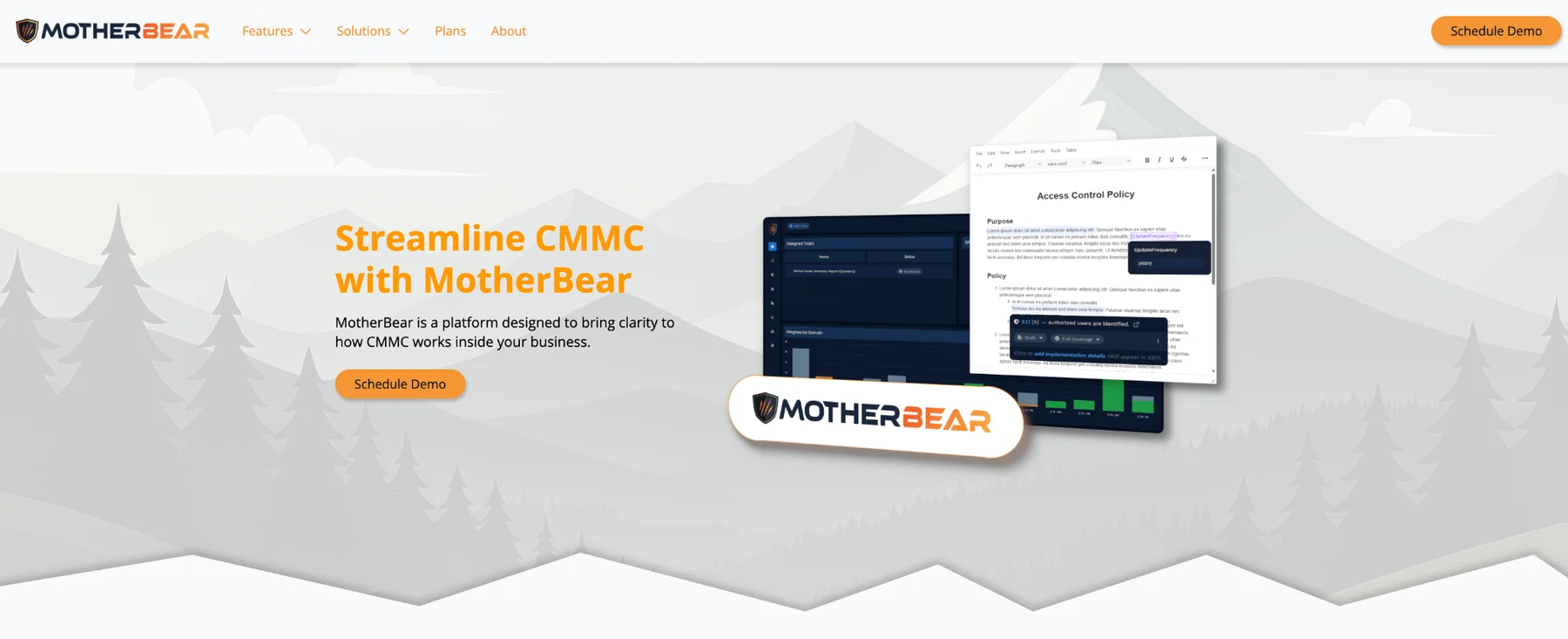
MotherBear focuses on CMMC program management. It tracks requirements and assessment objectives, links evidence to them, and manages System Security Plan and policy documentation.
It also turns gaps into remediation tasks with owners and deadlines.
That focus makes it a strong choice for defense contractors and CMMC consultants who want requirement tracking, evidence, documentation, and ongoing readiness in one place.
Teams that also need broad automated infrastructure monitoring or several commercial frameworks should compare those capabilities separately.
FAQs About Continuous Compliance Software
What is continuous compliance software?
Continuous compliance software helps an organization stay audit-ready between audits by tracking requirements, managing evidence, and reporting on compliance status. It does not replace formal audits or guarantee compliance on its own.
Most tools automate some routine compliance tasks and map controls to one or more frameworks, so a single system can hold the security and compliance work that used to live in spreadsheets.
What is the difference between continuous compliance and continuous monitoring?
Continuous monitoring is the practice of watching security controls to confirm they still work. Continuous compliance is the broader state of meeting every applicable requirement, all the time, which monitoring supports but does not fully cover.
Continuous compliance software organizes evidence, documentation, and reporting against compliance requirements. Depending on the product, it may perform monitoring or organize results from separate tools.
Can one tool cover multiple compliance frameworks?
Many general platforms do, mapping shared controls to several frameworks so work carries over from one to the next. That breadth suits an organization juggling SOC 2, ISO/IEC 27001, and similar standards at once.
When a single regulated program dominates, such as CMMC, framework depth tends to matter more than breadth, and a purpose-built tool often fits better than a broad one.
Is continuous compliance software worth it for a small team?
Often, yes. A small team feels the pain of manual compliance most, since the same few people carry audits, evidence, and daily operations at once.
Continuous compliance software reduces that load by keeping monitoring records and evidence collection organized, which improves operational efficiency and lowers the risk of a lapse going unnoticed between audits.