Table of Contents
Running Cybersecurity Maturity Model Certification (CMMC) compliance for one client is manageable. Running it for multiple Department of Defense (DoD) contractors, with different owners, evidence gaps, and assessment timelines, is where most consulting firms start losing control.
Most CMMC consultants understand the framework well enough. Where things usually break down is in keeping evidence tied to the right requirements, assigning remediation to the right owners, and having documentation ready before an assessor asks for it.
That operational load is what separates a tool built for a single organization from one built for a firm selling compliance as a service.
This guide compares seven platforms on the criteria that actually affect delivery at scale: multi-client management, evidence traceability, and post-certification monitoring.
Tools also need to protect Federal Contract Information (FCI). After the first review, teams still need to keep CMMC compliance work current.
TL;DR
These are the seven best CMMC compliance consulting tools in 2026:
- MotherBear
- FutureFeed
- IntelliGRC
- Apptega
- Hyperproof
- Drata
- Cyturus
7 Best CMMC Compliance Consulting Tools in 2026
The best CMMC compliance consulting tools help provider teams manage many clients. Multi-client dashboards, evidence traceability, and repeatable reporting matter more than a long menu of unrelated frameworks.
1. MotherBear
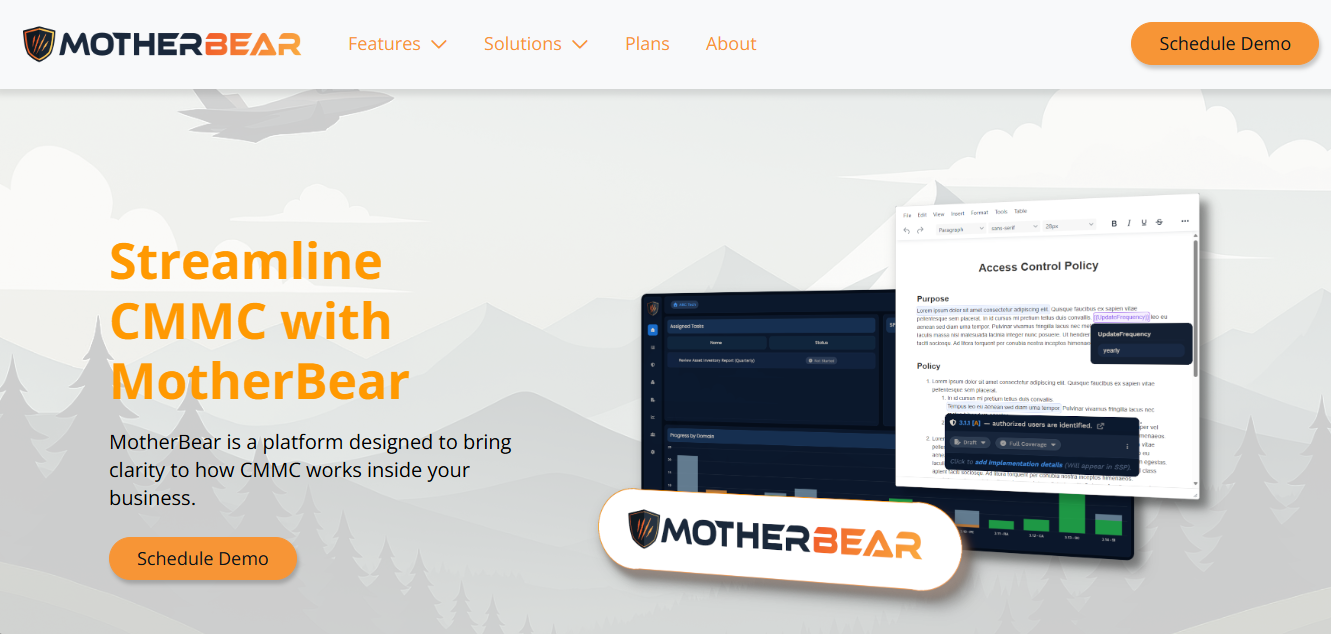
MotherBear is ideal for consulting teams that need one workspace for client programs, gap analysis, audit readiness, and reporting.
It is purpose-built for CMMC compliance, so registered provider organizations (RPOs), virtual Chief Information Security Officers (vCISOs), and managed service providers (MSPs) avoid the clutter of broad governance, risk, and compliance (GRC) platforms.
The platform centralizes requirements, evidence, and compliance plans in a single record, helping defense contractors and the firms serving them maintain consistent CMMC readiness.
A CMMC compliance consultant can see compliance gaps, blocked owners, and evidence that still needs review.
MotherBear keeps work tied to the CMMC requirements that assessors actually review. For CMMC Levels 1 and 2, each client gets a mapped path.
FCI stays in the right workspace. Controlled Unclassified Information (CUI) stays separate when Level 2 applies.
CMMC-registered practitioners get cleaner client reports. CMMC compliance readiness stays visible, which makes status calls faster and lets CMMC consultants explain progress before an assessment rather than during one.
Key Features
- Tracks CMMC requirements at the assessment-objective level, so consultants can see progress by client and control.
- Builds System Security Plans (SSPs), policies, and procedures from program data instead of requiring separate document work.
- Stores evidence in a repository tied to requirements, tasks, and review status.
- Assigns remediation work to owners with enough structure to keep clients accountable.
Pros
- A single-framework focus keeps the setup lighter for provider teams.
- Portfolio visibility helps firms protect margin as their client base grows.
- Evidence traceability reduces document hunting before an assessment.
- Built-in documentation support keeps client outputs consistent.
- The workflow matches structured service delivery for contractors.
Schedule a demo with MotherBear now and learn how it can help you become and remain CMMC-compliant.
2. FutureFeed
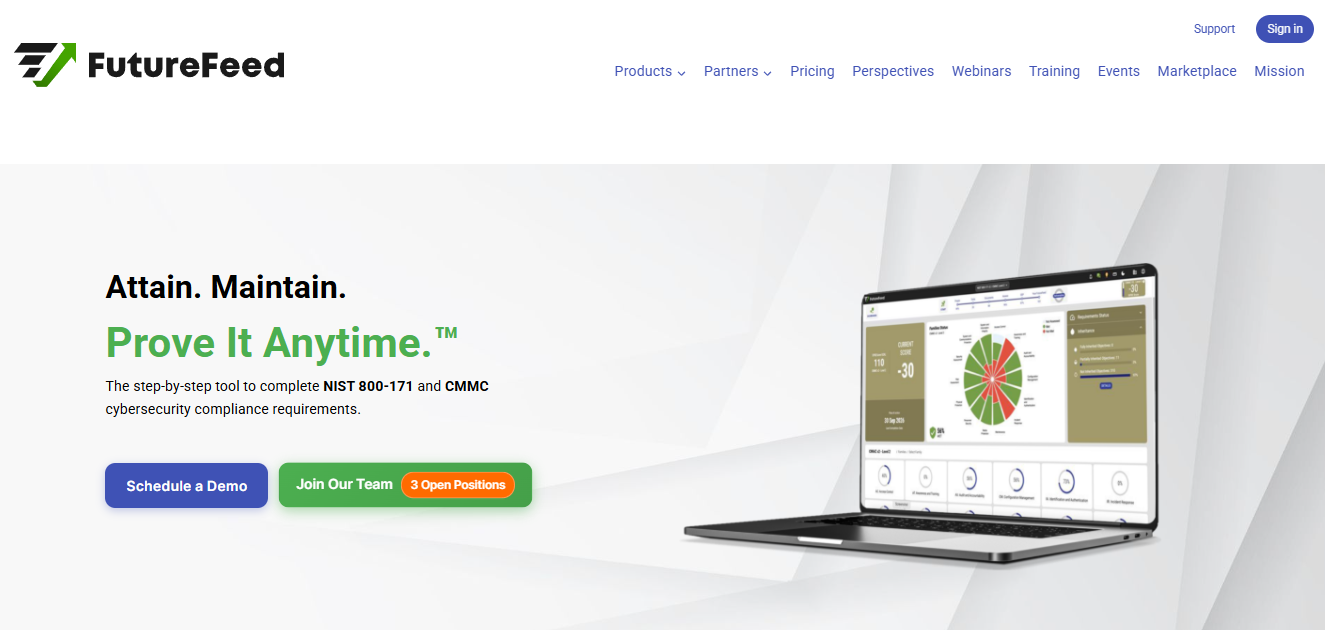
Image Source: futurefeed.co
FutureFeed is a CMMC consulting tool that guides users through CMMC readiness with questionnaires, live SSP work, Plans of Action and Milestones (POA&Ms), and Supplier Performance Risk System (SPRS) scoring.
The workflow helps clients protect FCI. For CMMC Level 2, CMMC consultants may still need a separate portfolio view.
The platform fits teams that want a consistent delivery model for DoD contracts alongside a partner ecosystem covering RPOs, MSPs, and assessors. The main tradeoff is portfolio visibility: consultants may still need to manage progress for different clients.
Key Features
- Guides client teams through CMMC questions and updates SPRS scoring as work progresses.
- Manages live SSP and POA&M data from the same compliance record.
- Supports partner-led work for RPOs, MSPs, and consulting teams.
Pros
- Guided workflows reduce blank-page friction for clients trying to achieve CMMC certification.
- Public pricing helps smaller consulting firms estimate software cost before demos.
- Built-in exports help consultants package evidence for assessment conversations.
Cons
- Limited public review depth reduces independent validation.
- The public listing shows a smaller integration set than broader GRC platforms.
- Pricing changes with company size and CMMC Level add-ons, which can complicate client margin modeling.
3. IntelliGRC
Source: intelligrc.com
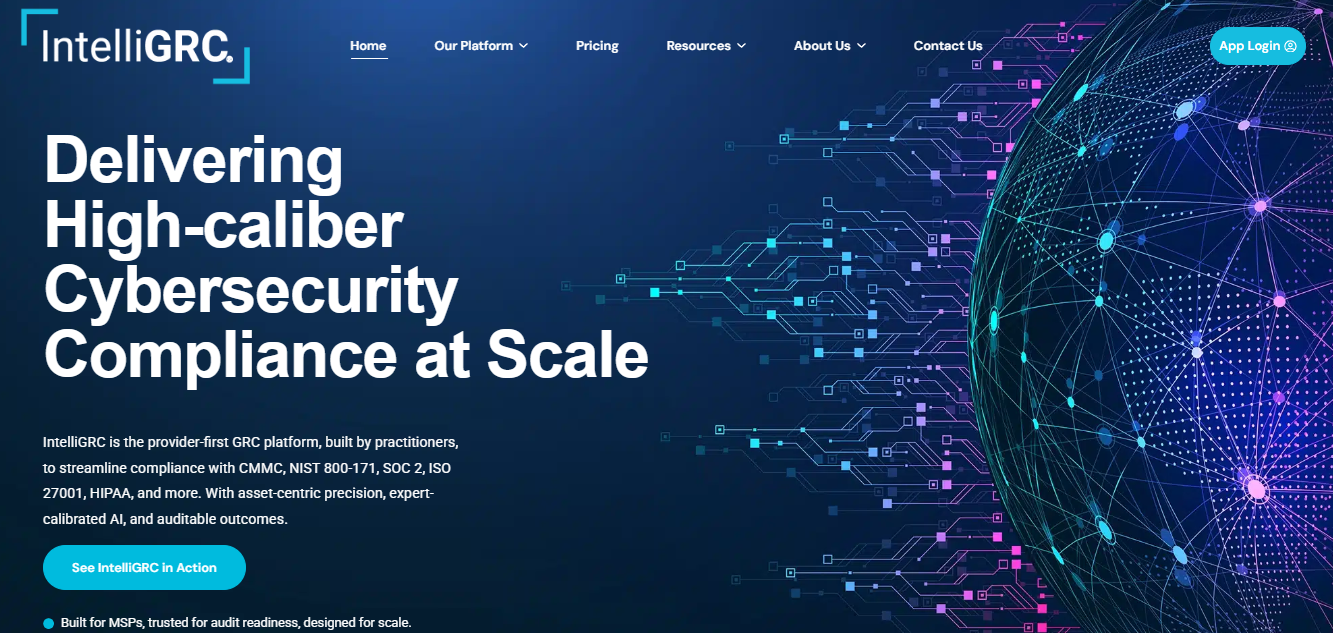
IntelliGRC addresses the provider problem: MSPs and compliance consulting firms need consistent CMMC delivery without having to rebuild the process for every client. For a CMMC compliance consultant, the appeal is asset-level scoping.
Its multi-tenant architecture makes it a strong fit for firms selling ongoing support. Ongoing monitoring helps each client maintain compliance after implementation.
The strongest use case is a firm helping clients achieve CMMC compliance across many DoD contracts. Registered practitioners can compare security controls against client assets.
That view helps prepare for a CMMC audit before the evidence review starts. It also gives the consultant a clearer view of the organization’s cybersecurity posture before a third-party assessment begins.
Key Features
- Maps assets and environments before assigning controls.
- Uses automation to support evidence and scope workflows.
- Gives providers multi-tenant tooling for consistent delivery.
Pros
- Reviewers praise support quality, which matters when consultants onboard many clients.
- Provider-first design gives MSPs a clearer operating model than single-tenant tools.
- Asset-centric scoping helps reduce mistakes before a CMMC assessment.
Cons
- Reviewers note the product was still being built out during earlier adoption.
- Some users report occasional bugs that require page refreshes.
4. Apptega
Source: apptega.com
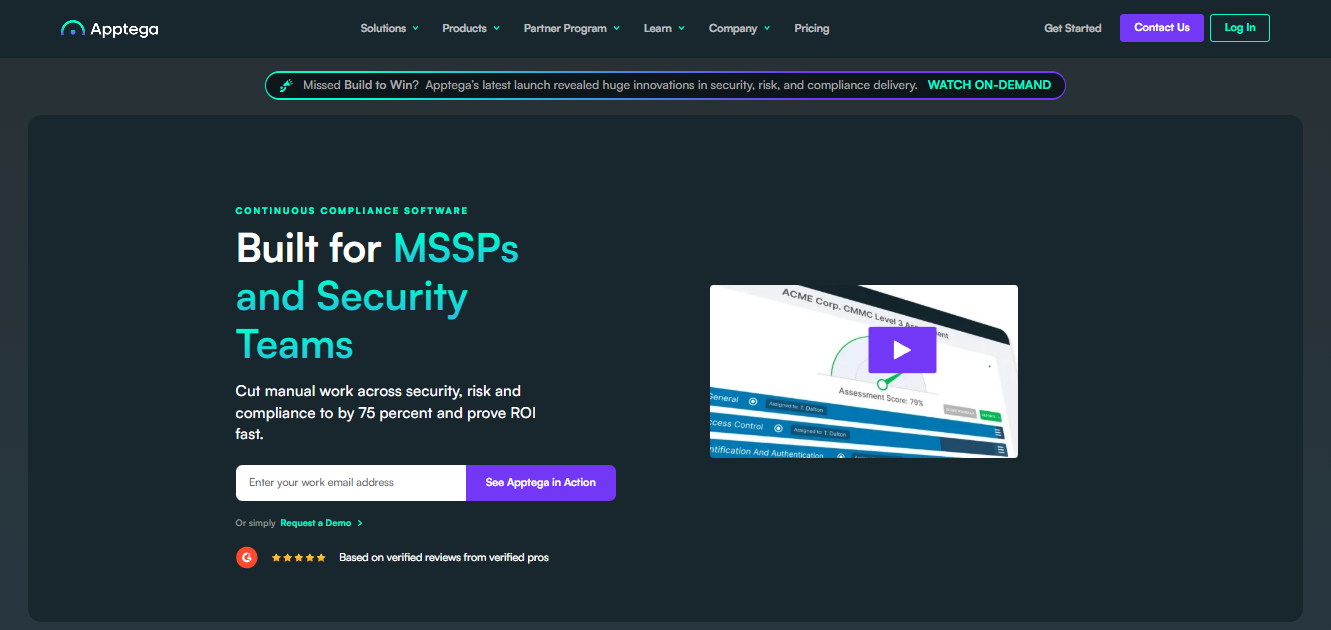
Apptega is broader than CMMC, but its MSP and service-provider packaging makes it relevant for CMMC consultants.
It supports multi-tenancy, branding, assessments, audit workflows, and more than 30 frameworks, which is useful for firms that sell CMMC compliance services alongside other security compliance programs.
The platform can help manage compliance requirements for standards beyond CMMC, including privacy, vendor risk, and DoD cybersecurity requirements. Existing systems still need clear evidence feeds.
It will not replace technical remediation or advanced threat protection. Its value scales with documented cybersecurity practices and framework crosswalks.
Key Features
- Supports multi-tenant client management for MSPs and advisory firms.
- Provides CMMC assessments, audit workflows, evidence collection, and reporting.
- Crosswalks handle different frameworks for firms managing more than CMMC.
Pros
- Users praise the ease of use for organizing compliance in multiple frameworks.
- Service-provider packages include branding and multi-tenancy for client-facing work.
- User ratings show strong value-for-money sentiment from verified users.
- The platform gives consulting firms room to expand beyond CMMC compliance.
Cons
- Reviewers mention a complex initial setup for teams using the full feature set.
- Reviewers report support follow-up issues in some longer-term accounts.
- Some users cite limited customization and missing features for advanced workflows.
5. Hyperproof
Source: hyperproof.io
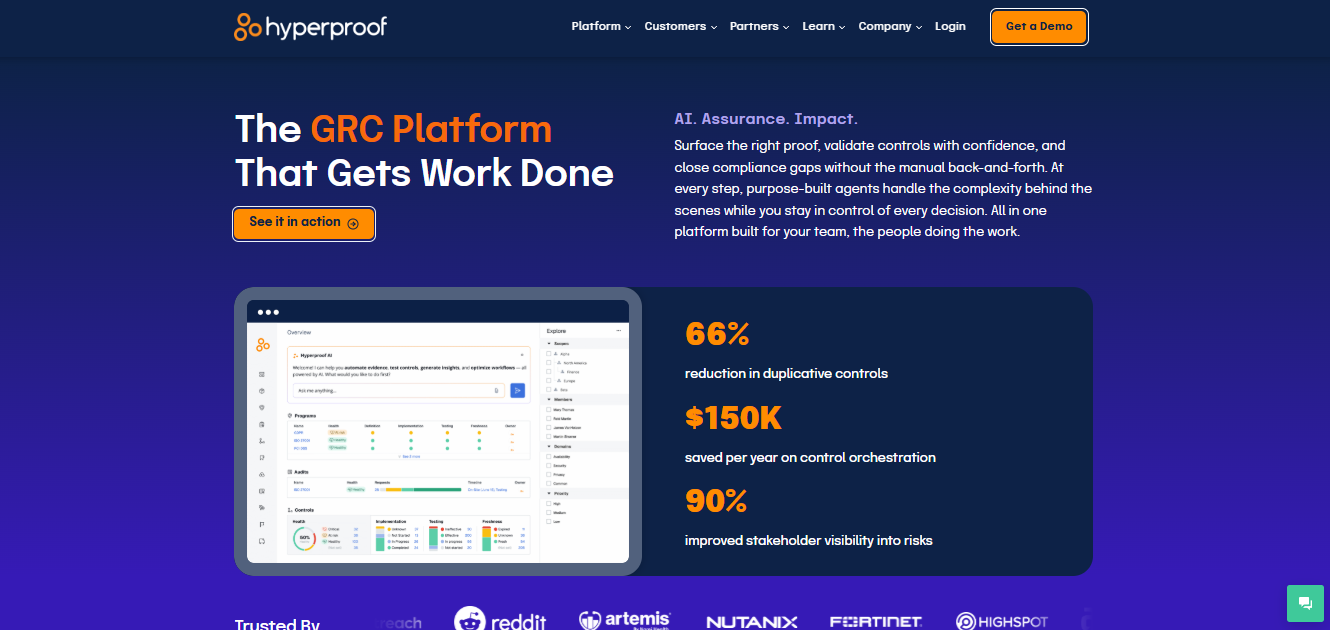
Hyperproof is a broader GRC platform with CMMC support, automated evidence collection, framework mapping, task assignment, and SSP reporting.
For consulting firms with enterprise clients that need to maintain compliance and meet several standards, that breadth is an advantage.
Firms serving small defense contractors may find the platform heavier than a CMMC-only workspace warrants. Hyperproof fits best when continuous compliance matters after the first CMMC.
Mapped controls can be reused when clients add frameworks or business units. This makes Hyperproof more useful for consultants who need to reuse evidence, not just show proof at a single review point.
Key Features
- Maps CMMC work to other frameworks and reuses evidence.
- Automates task assignment, control monitoring, and evidence collection.
- Generates SSP reports and dashboards for audit readiness conversations.
Pros
- Reviewers praise centralized compliance work and audit coordination.
- The partner network can help firms support clients with broader GRC needs.
- Framework mapping helps consultants avoid duplicate work.
Cons
- Reviewers mention a steep learning curve for new users.
- Some users report rigid workflows and dashboard customization limits.
- Reviewers note differences in terminology that can make alignment with external parties difficult.
6. Drata
Source: drata.com
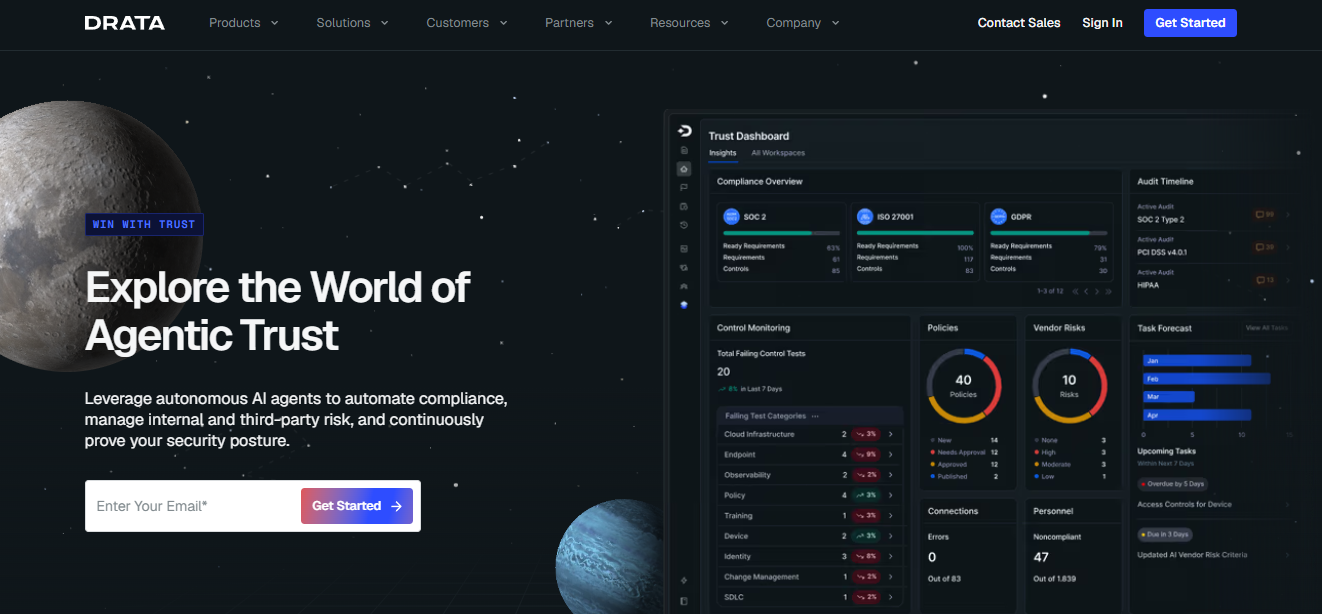
Drata is known for compliance automation. Its CMMC product maps requirements to shared controls, ownership, evidence, and continuous monitoring, which is useful when DoD contractors need compliance data flowing in from cloud, identity, and HR systems.
Consulting teams may still need additional configuration to make sure client reporting matches assessor expectations. The platform is built for broad security programs, not only CMMC audit work.
Drata can support a CMMC audit, but the audit process still depends on reviewer-ready evidence. Clients do not become CMMC-certified because a dashboard is green.
Automation alone does not substitute for traceable evidence. Security measures still need owners, records, and assessor review.
Key Features
- Automates evidence collection within common business, cloud, and identity systems.
- Maps CMMC requirements to reusable controls and defined owners.
- Supports risk, vendor, Trust Center, and audit workflows in one platform.
Pros
- Users praise automation that reduces manual evidence collection.
- Large integration coverage helps consultants work with varied client tech stacks.
- Review data shows strong ease-of-use and customer service ratings.
- Continuous monitoring supports ongoing compliance after certification.
- Teams can keep evidence current without rebuilding it each quarter.
Cons
- Reviewers mention confusing controls and tests for new users.
- Some users report integration issues and alert noise during setup.
- Reviewers also cite high perceived cost for smaller teams.
7. Cyturus
Source: cyturus.com
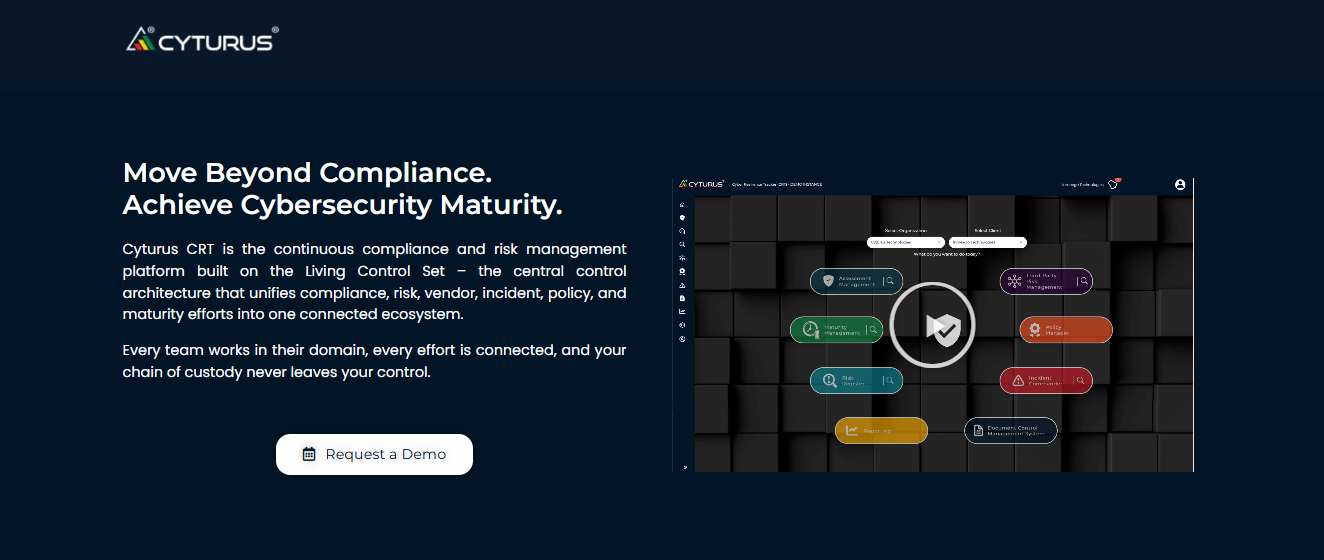
Cyturus brings CMMC, risk management, vendor oversight, and continuous monitoring into its Compliance and Risk Tracker (CRT). Its RPO support via the Cyber AB readiness tool makes it relevant to CMMC consulting services.
Its risk-centric workflows are better suited for demonstrating compliance as an ongoing program than for quick checklist work. For national security clients, Cyturus is useful when sensitive government data needs a risk owner.
CMMC-registered practitioners can use the risk view during advisory work. Current cybersecurity practices can then be reviewed against policy decisions.
Sensitive data still needs an owner and review history. Firms should ask Cyturus for a proven track record with clients like theirs before standardizing delivery around the platform.
Key Features
- Tracks compliance, risk, remediation, and audit trails in one system.
- Supports CMMC readiness work for RPOs through an ecosystem-facing tool model.
- Provides vendor risk and policy management modules for broader client programs.
Pros
- Ecosystem visibility makes the tool relevant to advisory firms.
- Risk-centric workflows connect findings to client decisions.
- The platform supports monitoring after the initial review.
- Vendor and policy modules fit broader governance programs.
Cons
- Public G2 and Capterra review depth is limited compared to larger GRC platforms.
- Available third-party reviews mention a learning curve for new users.
- Custom pricing can make early comparison harder for smaller consulting firms.
What to Look for in CMMC Consulting Tools
Most CMMC tools look useful in a demo. The better test is whether the platform protects the margin for all your clients.
- Multi-client management: Separate workspaces and portfolio views keep tasks from mixing. A CMMC compliance consultant should switch accounts cleanly.
- NIST 800-171 mapping: CMMC Level 2 still depends on the security requirements for CUI, currently Revision 2, as required by the DoD. Platforms should map CUI clearly.
- Evidence centralization: Evidence should connect to requirements, owners, and remediation status. This makes it easier to remediate compliance gaps before review.
- Control depth: CMMC requirements should tie to security controls, evidence, and owners. A final certification audit exposes weak chains quickly.
- Post-certification work: Compliance monitoring matters after obtaining CMMC. Continuous compliance protects recurring revenue.
- Client reporting: Dashboards should explain readiness without hiding practitioner details. Reports should show where the organization’s compliance journey stands.
- Provider economics: Software costs become margin math when key personnel change or deadlines shift. Strong tools make cybersecurity practices easier to repeat.
- Client-facing access: White-labeling, branded reports, and access control features help firms present compliance consulting as a service. This matters when clients are still learning the CMMC compliance journey.
Why Multi-Client Management Is the Real Test
Most compliance tools were built for a single organization seeking CMMC compliance, but CMMC consultants manage multiple clients, evidence trails, and deadlines simultaneously. That difference affects every part of the compliance process.
One organization’s compliance journey can hide in email. Ten compliance journeys need a system.
A consultant may run an initial assessment on Monday and prepare another client for a third-party assessment on Friday. One client’s remediation moves quickly while another’s business objectives force a slower pace.
DoD supply chain pressure means late evidence can delay contract awards. Defense contractors also expect ongoing support after the assessment is done.
Firms need to remediate compliance gaps for one client while another team proves status for DoD contracts. That is where multi-client software becomes more than a document library.
The CMMC ecosystem already recognizes this provider reality. RPO members have access to an optional CMMC readiness tool for client journey management. A tool that cannot show risk, evidence, and next actions for different clients will eventually cap the firm’s growth.
Run More CMMC Client Programs Without Dropped Evidence With MotherBear
MotherBear gives CMMC consultants one place to manage requirements, evidence, documentation, and affirmations.
For firms offering CMMC compliance consulting services, growth is limited by how many programs the team can supervise without stale records, which is why a CMMC-focused workspace outperforms a broad GRC platform for most consulting delivery models.
When clients pursue DoD contracts, their compliance efforts need to stay current after the audit. MotherBear helps CMMC consultants maintain compliance records for all their clients.
Book a demo and see how MotherBear keeps multi-client CMMC work under control.
FAQs About CMMC Compliance Consulting Tools
Is a consultant needed for CMMC?
No. A consultant is not required for Cybersecurity Maturity Model Certification (CMMC). Many DoD contractors still use one for Level 2.
A CMMC compliance consultant can run a gap analysis. They can also build a System Security Plan (SSP) without becoming the assessor during the certification process.
What tools do CMMC consultants use?
CMMC consultants use platforms that connect requirements, evidence, owners, and remediation work. For CMMC, those tools map security controls to client tasks.
A CMMC compliance consultant can manage multiple workspaces without mixing evidence across accounts.
What is an RPO?
A registered provider organization (RPO) is a company authorized by the Cyber AB to deliver non-certified advisory services to help organizations prepare for CMMC. CMMC-registered practitioners often work inside or alongside RPOs.
RPOs help defense contractors in the Defense Industrial Base (DIB). They do not issue certifications or replace a third-party assessment.
Can one tool manage CMMC for multiple clients?
Yes, provided the tool separates client workspaces and evidence. That separation helps protect Federal Contract Information (FCI).
When Controlled Unclassified Information (CUI) is involved, separation is not optional. The right CMMC compliance consulting tools make multi-client delivery consistent without cross-contaminating records.