Table of Contents
Paramify is built for broad federal compliance work, and that's exactly why Cybersecurity Maturity Model Certification (CMMC)-focused buyers often compare it against narrower tools.
Some compliance automation platforms are optimized for:
- Federal Risk and Authorization Management Program (FedRAMP)
- Federal Information Security Modernization Act (FISMA)
- System Security Plans (SSPs)
- Plans of Action and Milestones (POA&Ms)
- Federal documentation
However, this doesn't automatically make them the best CMMC tool just because they support CMMC.
For defense contractors and consultants, more framework coverage can mean more menus to ignore while an assessment deadline gets closer. This guide covers the strongest Paramify competitors, separating the tools built around CMMC from the ones that simply include it.
6 Best Paramify Competitors in 2026
The six platforms below cover the realistic range of what a defense contractor or CMMC consultant might actually evaluate. Some are purpose-built CMMC solutions, others are built around federal compliance broadly, and a few serve teams managing several standards at once.
1. MotherBear
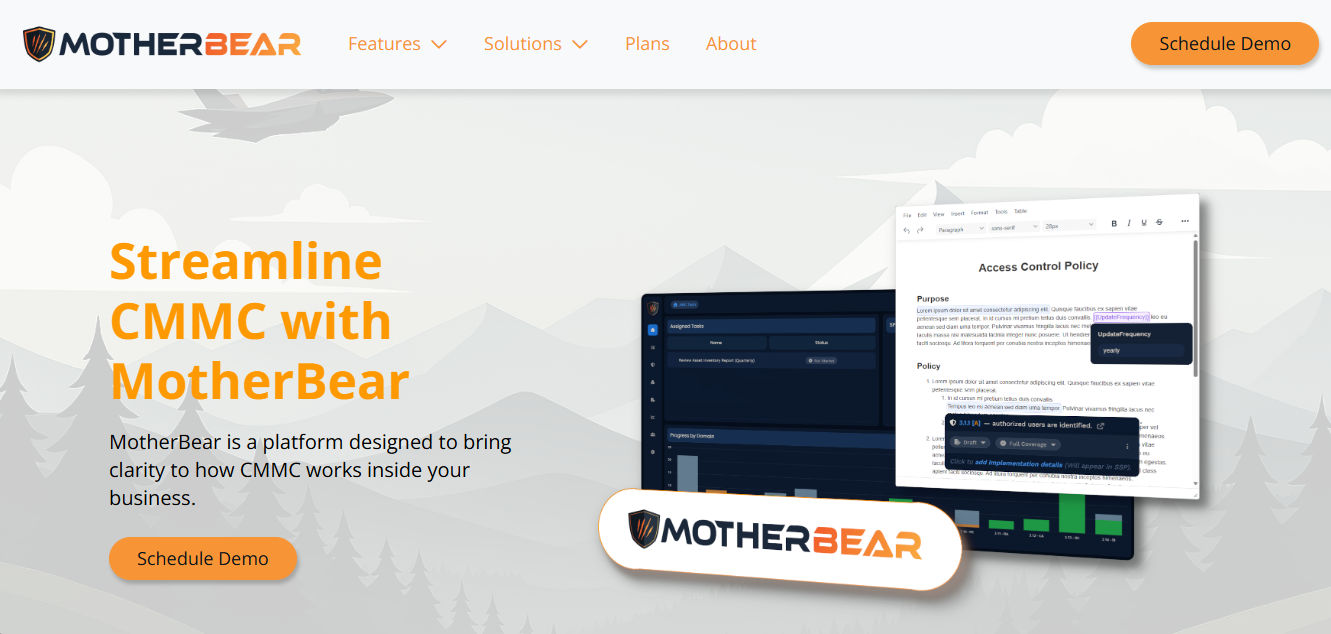
MotherBear is a platform focused on CMMC compliance management for defense contractors and the consultants who support them.
Among the solutions in this list, it fits most naturally for teams that want one system for the full readiness cycle, rather than a broad federal compliance suite with CMMC added later.
When CMMC is the main revenue risk, that focus matters: MotherBear maps work to the framework, lets consultants manage multiple organizations, and gives small teams a central place to protect program information before an assessment deadline.
Instead of stretching a broader federal tool across CMMC, FISMA, and FedRAMP work, MotherBear keeps its roadmap centered on CMMC Level 2 readiness.
Its workflow supports control implementation alongside an SSP, POA&M tracking, AI readiness review, and assessment of objective evidence.
Key Features
- Maps requirements to CMMC assessment objectives so teams can see progress at the level auditors review.
- Supports multi-client workspaces for CMMC consultants, managed service providers (MSPs), and readiness teams.
- Builds compliance documentation around SSP, POA&M, and evidence workflows rather than static templates.
- Tracks remediation across controls so owners can identify open gaps before assessment prep stalls.
- Uses AI-assisted review to flag missing or weak documentation before a consultant or assessor sees it.
Pros
- CMMC specialization keeps the product close to the exact framework defense contractors need to manage.
- Consultant-friendly workspaces make it practical for firms serving multiple organizations at once.
- Evidence and documentation stay connected to the control record, which reduces duplicate file work.
- The product depth fits teams that need CMMC Level 2 support without a larger federal compliance portfolio.
- MotherBear’s plan structure gives buyers a clear path from core readiness work to deeper program support.
2. FutureFeed
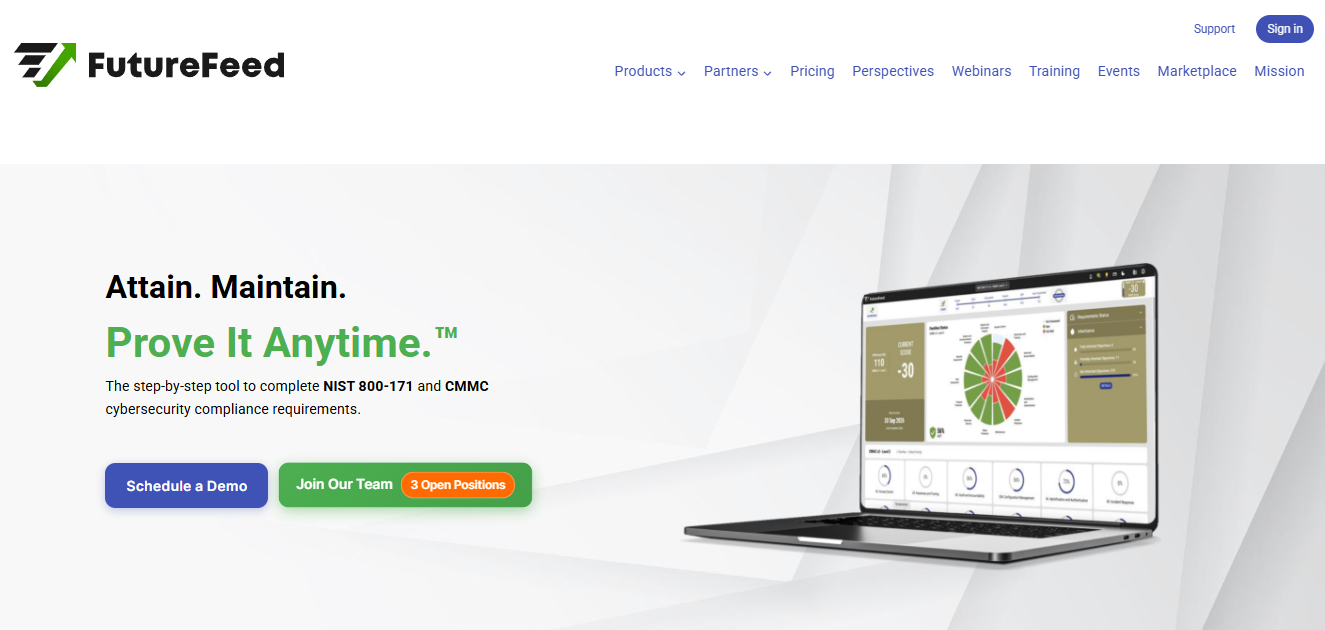
Image Source: futurefeed.co
FutureFeed is another CMMC-focused option, with automation for readiness, documentation, and program tracking.
Like MotherBear, it competes most directly when a team wants CMMC depth, though it differentiates itself through public plan pricing and a lighter entry point.
The trade-off is third-party proof: independent review data is thinner than it is for larger vendors, so buyers may need a deeper product walkthrough before committing.
Key Features
- Generates roadmap views that help teams manage CMMC progress across controls and milestones.
- Supports documentation workflows for SSPs, POA&Ms, and assessment preparation.
- Connects to Jira Service Management so remediation tasks can stay inside existing ticket workflows.
Pros
- Public pricing gives small organizations a faster way to budget before a sales call.
- The CMMC focus keeps the product closer to defense contractor needs than broad GRC platforms.
- Jira support can help technical teams keep remediation inside their normal queue.
- The interface appears built around compliance progression rather than generic risk management.
Cons
- Independent review coverage is thin, which gives buyers less third-party feedback on support and usability.
- Buyers may need more demo time to verify reporting depth because public review comments are limited.
- Teams with ISO 27001, SOC 2, or HIPAA programs may find the framework options narrower than they need.
3. Hyperproof
Source: hyperproof.io
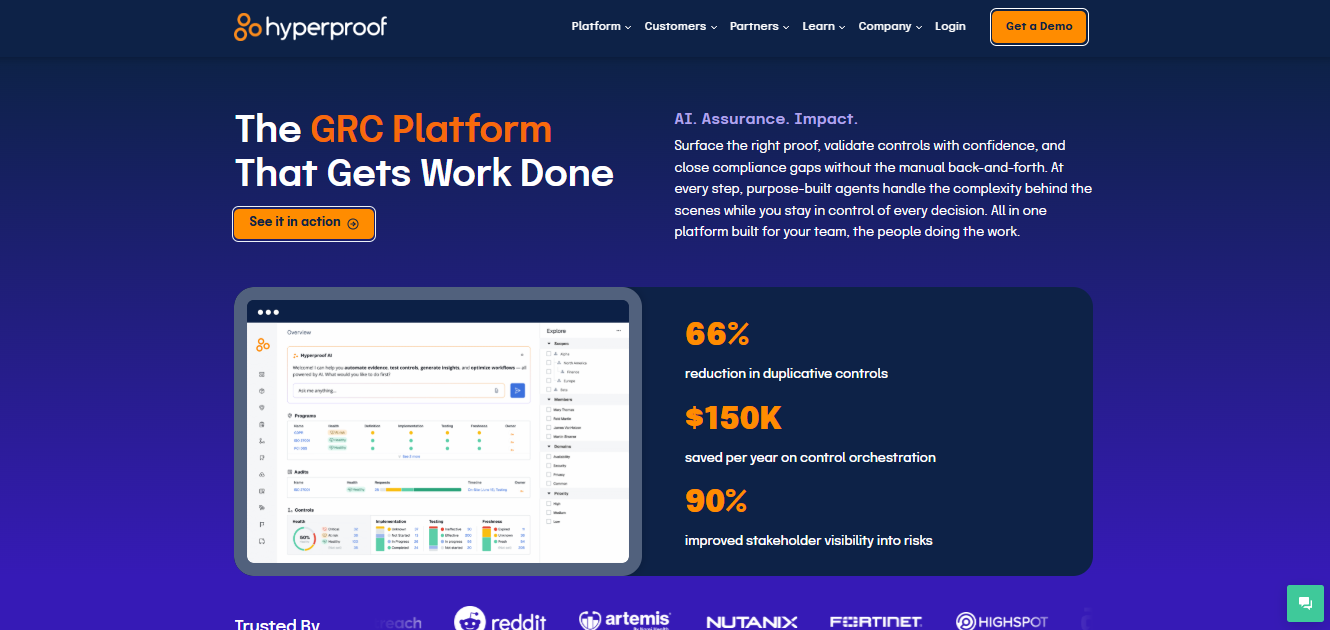
By contrast, Hyperproof is a broader compliance operations platform for organizations managing multiple standards at once, which makes sense when CMMC sits alongside SOC 2, ISO 27001, HIPAA, FedRAMP, and internal risk management work.
That breadth can pay off for larger security teams, though it can also feel heavy for teams that only need CMMC, since optimization across many frameworks adds setup choices a CMMC-only buyer may not need.
Key Features
- Centralizes evidence collection so controls, owners, and documentation stay connected across frameworks.
- Supports risk registers, reporting, and task management across security and compliance teams.
- Maps common controls across standards to reduce repeated work during parallel audits.
Pros
- Multi-framework mapping helps organizations avoid rebuilding the same control set for each audit.
- Reviewers often praise the evidence workflow because it reduces manual documentation follow-up.
- Dashboard reporting gives leadership a clearer view of audit progress and open risks.
- Integrations with work systems help security teams manage remediation without copying updates by hand.
Cons
- Some users note that the initial configuration can take time for complex programs.
- Some users report permission and role-management friction when many teams share the platform.
- Reviewers have asked for more flexible reporting and customization in specific dashboard views.
- Smaller teams may find the system broader than they need for a single CMMC roadmap.
4. RegScale
Source: regscale.com
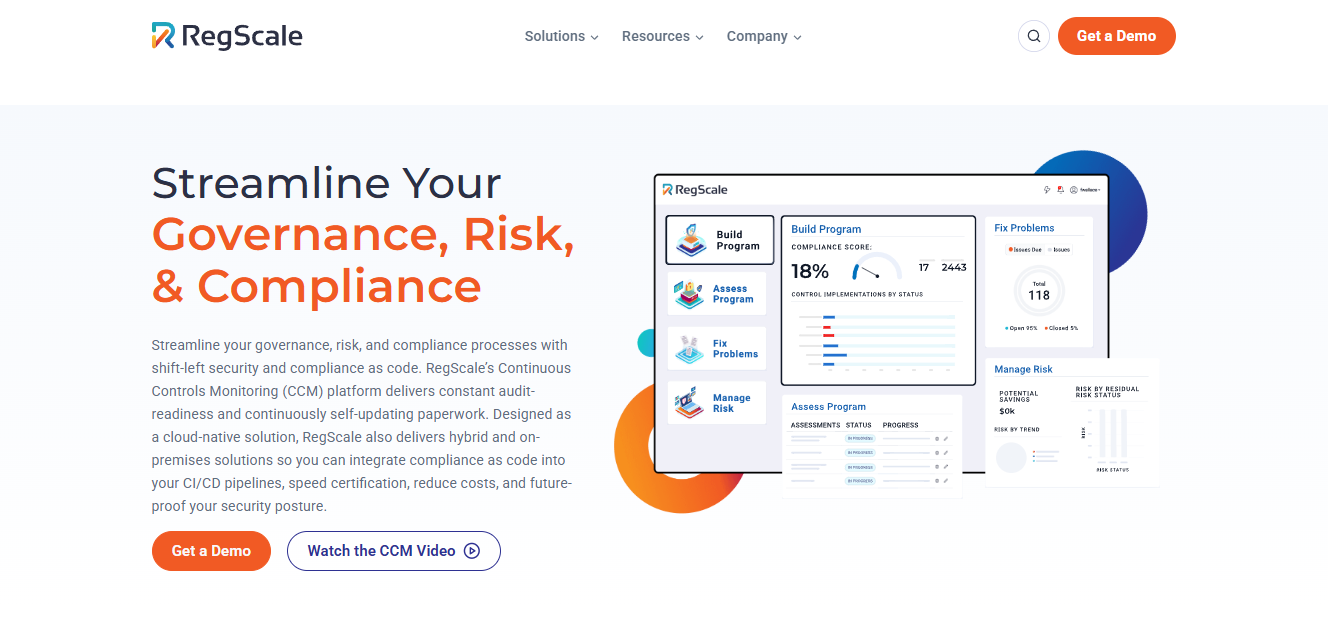
RegScale is for buyers who care about federal automation. It leans into compliance-as-code architecture, continuous controls monitoring, and machine-readable artifacts for FedRAMP, NIST 800-171, and related federal standards.
It fits a mature security organization with engineering support, because a smaller defense contractor may value the automation but struggle to use the full system efficiently without that process maturity in place.
Key Features
- Uses Open Security Controls Assessment Language (OSCAL) to support machine-readable compliance packages.
- Tracks control status through continuous controls monitoring (CCM), automated evidence collection, and bot-assisted data gathering across connected systems.
- Supports Authority to Operate (ATO), FedRAMP, NIST 800-171, and hybrid compliance workflows.
Pros
- Compliance-as-code architecture fits teams that want automation tied closely to system data.
- The depth of the federal framework makes it useful for organizations with FedRAMP and CMMC overlap.
- Automated reporting can help security leaders identify control drift before formal review.
- Engineering-friendly workflows suit teams that already manage compliance through code and tickets.
Cons
- Some users mention limited reporting flexibility in certain dashboards and export workflows.
- Some users report that the setup requires more technical knowledge than lighter compliance tools.
- Reviewers have asked for broader feature polish in areas outside the core automation model.
- Teams without mature processes may wait on implementation support before seeing full value.
5. IntelliGRC
Source: intelligrc.com
IntelliGRC was built for CMMC consultants, registered provider organizations (RPOs), and teams that need repeatable assessment work, which puts it closer to MotherBear and FutureFeed than to the broad enterprise governance, risk, and compliance (GRC) tools.
It differentiates itself through consultant workflow and assessment readiness, so the main buyer question is whether its product maturity and support model match the scale of your client roster.
Key Features
- Supports gap assessments, evidence tracking, and documentation tied to CMMC and NIST 800-171.
- Helps consultants manage client work from a shared compliance management environment.
- Includes templates and reporting designed for readiness reviews and remediation planning.
Pros
- The CMMC focus keeps teams away from unused framework menus and generic compliance templates.
- Consultant orientation can help advisory firms manage multiple client programs in one place.
- The platform supports repeatable assessment processes, which matters when client delivery must scale.
- Documentation workflows give small teams a way to manage progress without building a custom tracker.
Cons
- Some users mention that data transfer between tenants may require vendor support.
- Users describe the product as still maturing, with features continuing to fill out.
- Reviewers have reported minor bugs and workflow rough edges during active use.
- Teams needing many non-CMMC standards may find the framework options narrower than broad GRC suites.
6. Apptega
Source: apptega.com
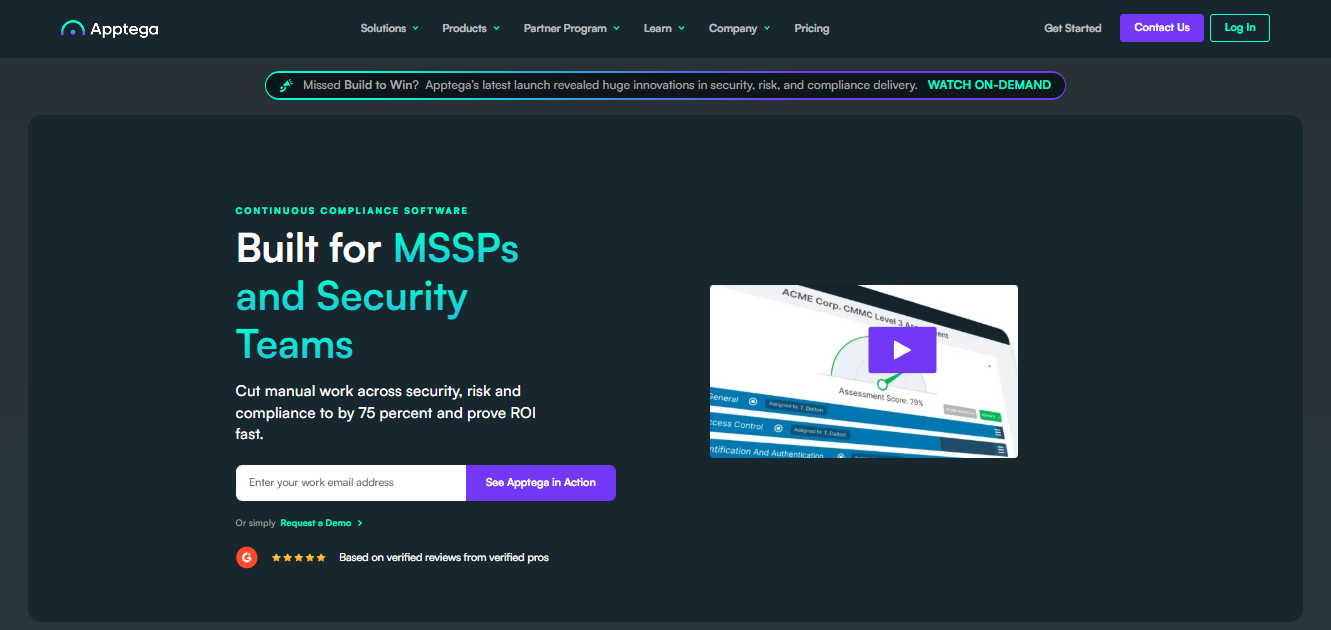
Apptega is a multi-framework compliance platform with strong appeal for MSPs and security teams serving multiple clients.
It covers CMMC, SOC 2, HIPAA, ISO 27001, CIS controls, and other standards inside one platform, making it a natural fit for service providers who need breadth across their client roster.
That range is also its trade-off: CMMC-only teams may prefer a narrower tool with fewer menus and less configuration overhead.
Key Features
- Provides framework templates for security standards so teams can start from mapped controls.
- Supports evidence collection, task assignments, and management reporting across client programs.
- Offers multi-tenant workflows for MSPs that need to manage many organizations from one account.
Pros
- Multi-framework support helps service providers manage compliance services without separate tools.
- The platform gives teams shared visibility into controls, risk, remediation, and documentation.
- Template libraries can reduce the time needed to build a first roadmap for a new client.
- MSP-friendly account structure makes it useful when one team serves many organizations.
Cons
- Some users mention limited customization in certain reporting and workflow areas.
- Users report that setup can feel confusing without hands-on support.
- Reviewers have asked for more depth in certain features as programs become more complex.
- Teams focused only on CMMC may see extra platform options that don’t support the immediate audit.
How to Compare Paramify Competitors
Most teams compare Paramify alternatives because Paramify is built for breadth in federal compliance, including FedRAMP, FISMA, NIST 800-171, SSP automation, and POA&M management.
For teams whose program mainly serves CMMC, that breadth can add decision noise rather than value.
The cleaner comparison is not which platform has the most frameworks, but which platform matches the program your team actually has to run.
Risk Management Fit
Platforms built for broad risk management tend to prioritize flexibility for many frameworks, which works when an organization needs one system for enterprise-wide risk. For defense contractors, that flexibility can become the wrong trade.
CMMC has specific assessment objectives, and a tool that treats it as one framework among many will reflect that in its workflows. A CMMC-first buyer should ask whether risk views help the assessment process or just create another dashboard.
That difference should shape the shortlist before pricing or feature depth gets discussed.
Compliance Documentation and Control Implementation
The way in which a platform handles compliance documentation matters as much as what it covers. Tools that generate static templates give teams a starting point, but they can leave the actual control implementation work disconnected from the evidence record.
The stronger options keep documentation tied to controls, owners, and remediation status. This matters most when a policy says one thing and the implemented control tells another story. That way, gaps surface while the team can still fix them, not when an auditor is already waiting.
NIST 800-171 Alignment
CMMC Level 2 maps directly to NIST 800-171 Revision 2, and that alignment defines how assessors review your controls today.
While Revision 3 has been published, CMMC assessments still use Revision 2, so the tool you choose needs to reflect the current assessment and evidence structure. A platform that only says it supports NIST is not specific enough.
The right platform should match the framework, the audit path, and the way your team already manages work.
Don’t Let CMMC Documentation Put Contracts at Risk, Use MotherBear
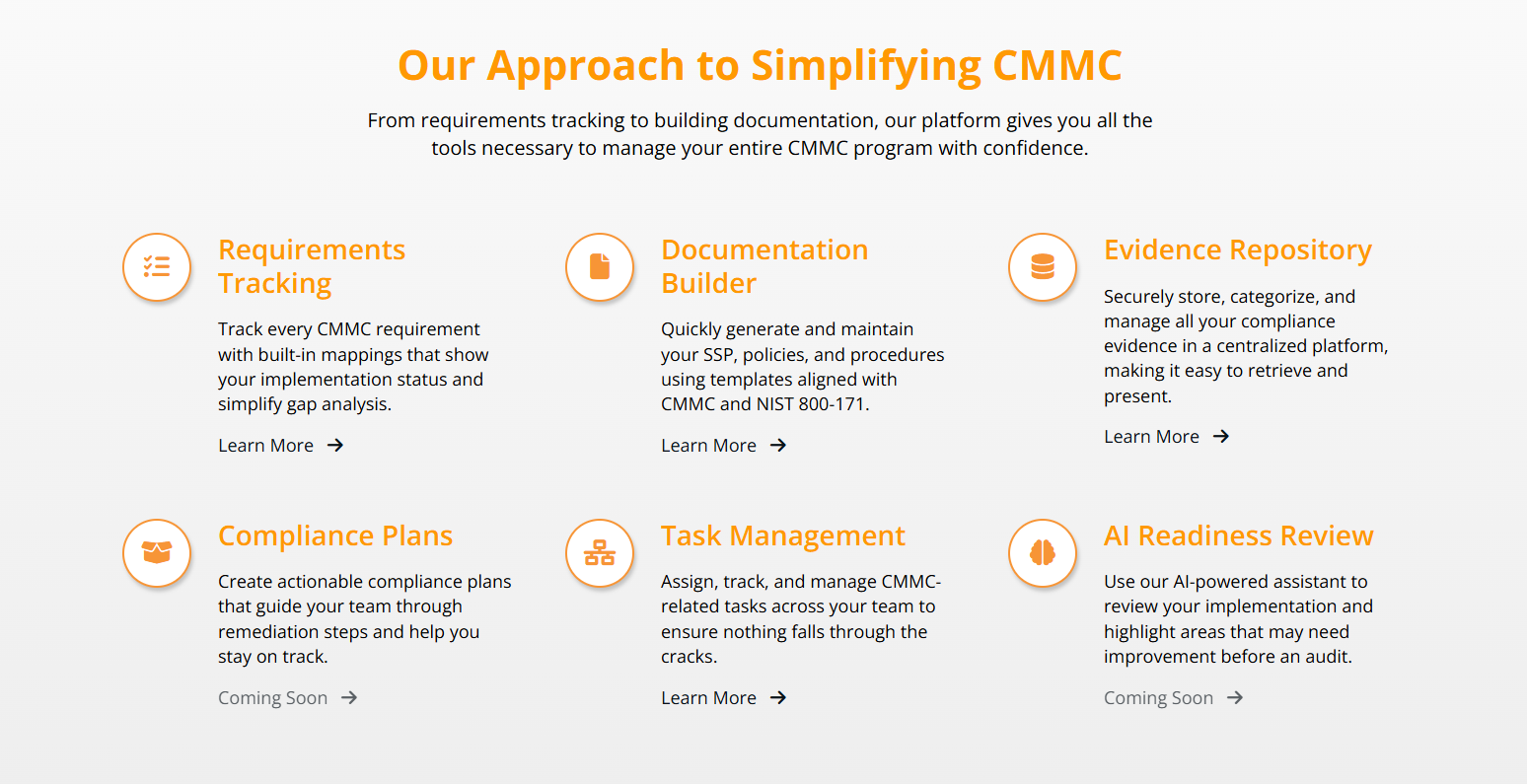
MotherBear gives defense contractors and CMMC consultants one workspace to build and store the program materials that matter: evidence, control status, SSP records, POA&M items, and remediation progress.
While Paramify can feel broader than the work in front of you, MotherBear gives you a CMMC-specific alternative built around the framework you need to pass.
Schedule a demo today and see how MotherBear Security keeps your CMMC program ready for review.
FAQs About Paramify Competitors
Are there alternatives to Paramify?
Yes, several alternatives to Paramify are available, including MotherBear, FutureFeed, Hyperproof, RegScale, IntelliGRC, and Apptega. Some focus specifically on CMMC compliance, while others support a broader range of cybersecurity and regulatory frameworks. The best choice depends on your organization’s compliance requirements, budget, and preferred workflow.
What problem does Paramify solve?
Paramify helps organizations simplify and automate compliance management across frameworks such as CMMC, FedRAMP, FISMA, GovRAMP, and NIST 800-171. It centralizes documentation, evidence collection, control tracking, and audit preparation in a single platform. This reduces manual effort and helps teams maintain ongoing compliance readiness.
How much does Paramify cost?
Paramify offers pricing for different compliance needs, with CMMC plans starting at $2,000 per year. More advanced CMMC packages range from $8,000 to $25,000 per year, while FedRAMP, FISMA, DoD ATO, and GovRAMP solutions start at higher tiers based on scope and complexity. Additional pricing details are available directly from Paramify.
Can Paramify be used in other frameworks?
Yes, Paramify is designed to support multiple compliance frameworks beyond CMMC. The platform includes capabilities for FedRAMP, FISMA, GovRAMP, NIST 800-171, and DoD ATO programs, making it suitable for organizations managing several compliance initiatives. This flexibility allows teams to manage requirements across different standards from one software platform.