Deploy your baseline
and keep it aligned
MotherBear Ranger automates Microsoft GCC and GCC High setup, evidence capture, and drift fixes.
Difficulties of the past
Manual Setup
Configuring each setting by hand takes time.
Evidence Chasing
Technical evidence becomes another manual task.
Settings Drift
Changes can take your baseline out of alignment.
Automate deployment of your Microsoft baseline
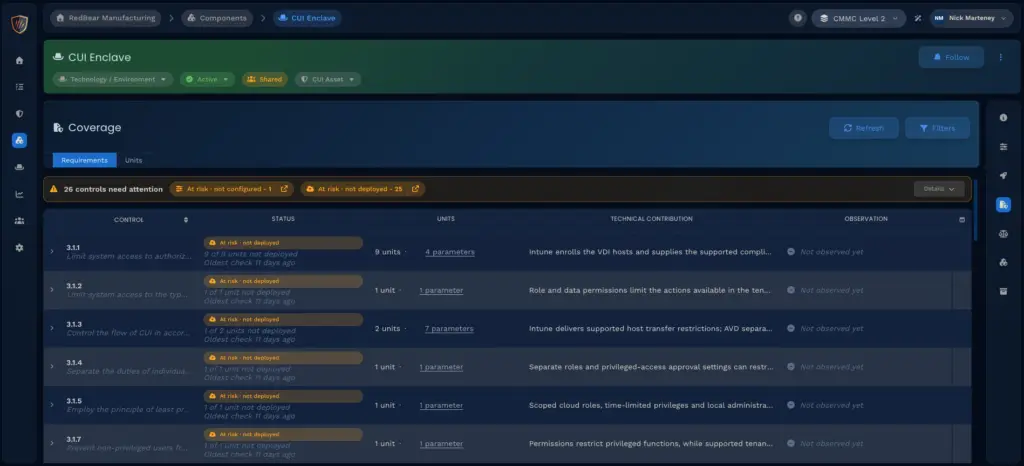
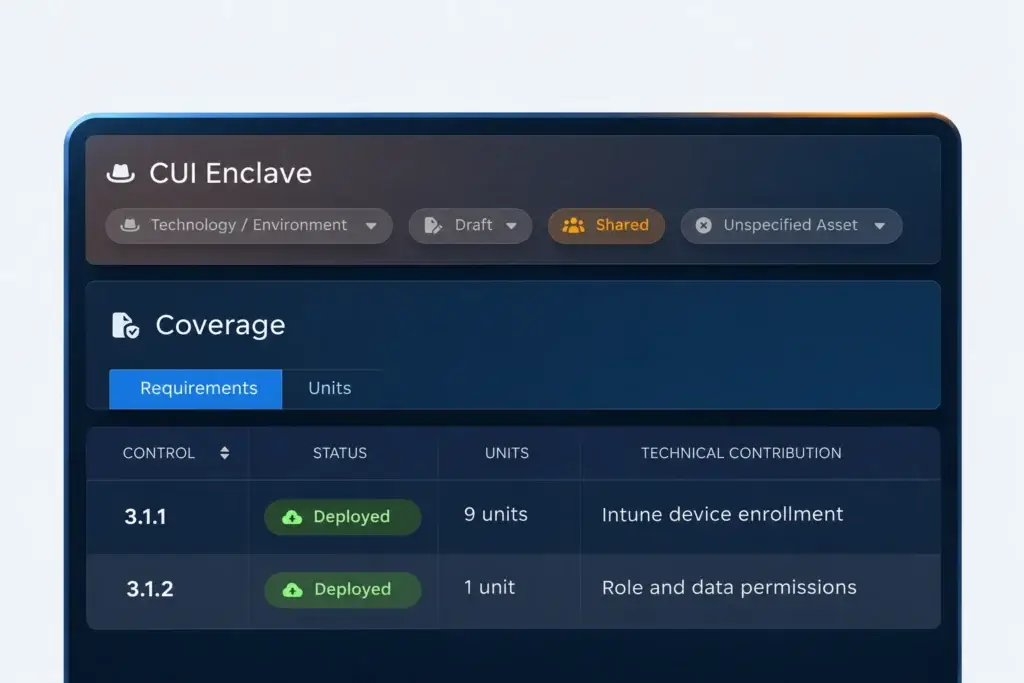
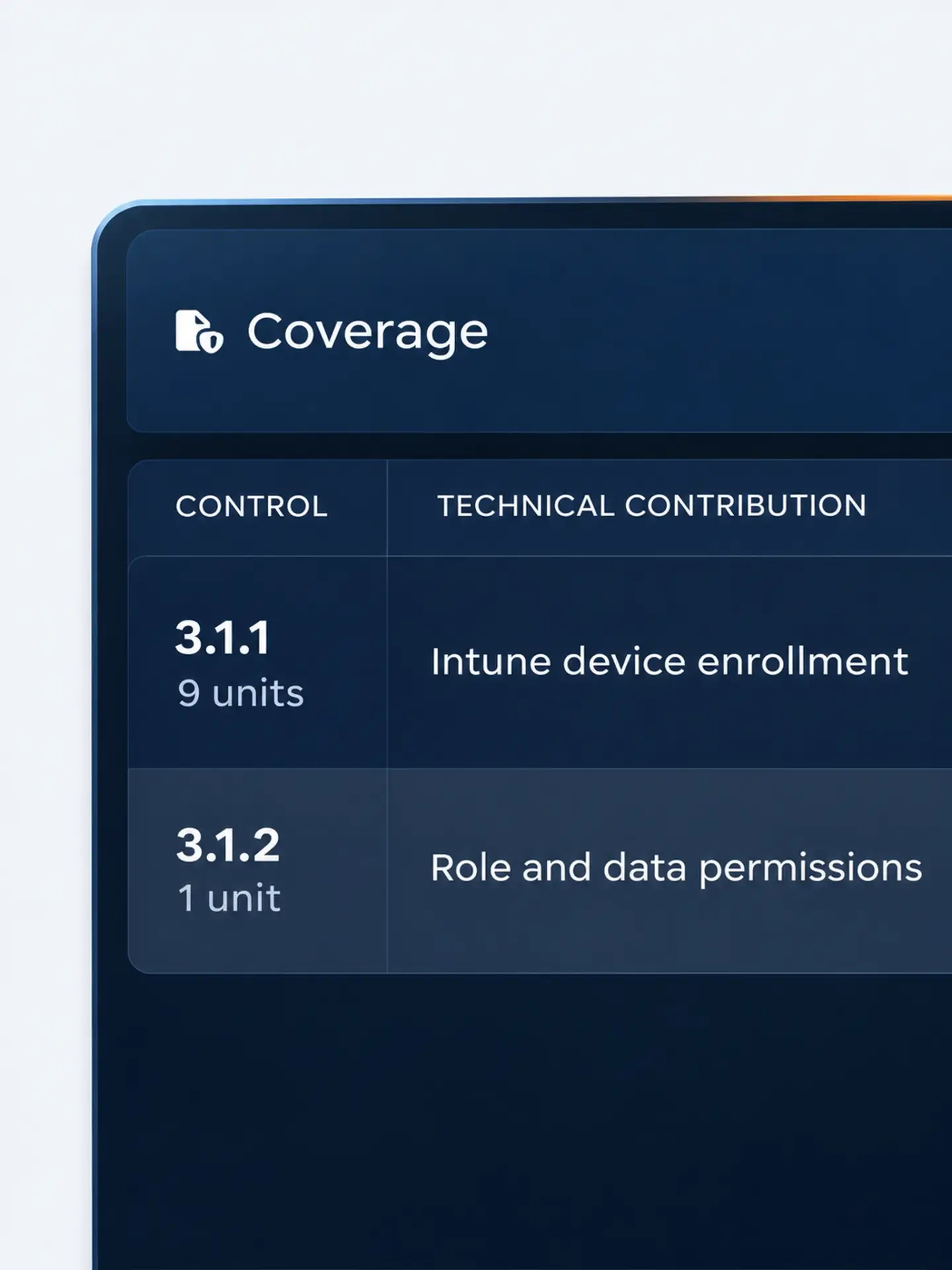
Deploy GCC or GCC High configurations automatically, with control alignment showing how the baseline supports CMMC requirements.
Deploy GCC and GCC High
Apply baseline configurations
Review control alignment
Capture technical evidence as settings are applied
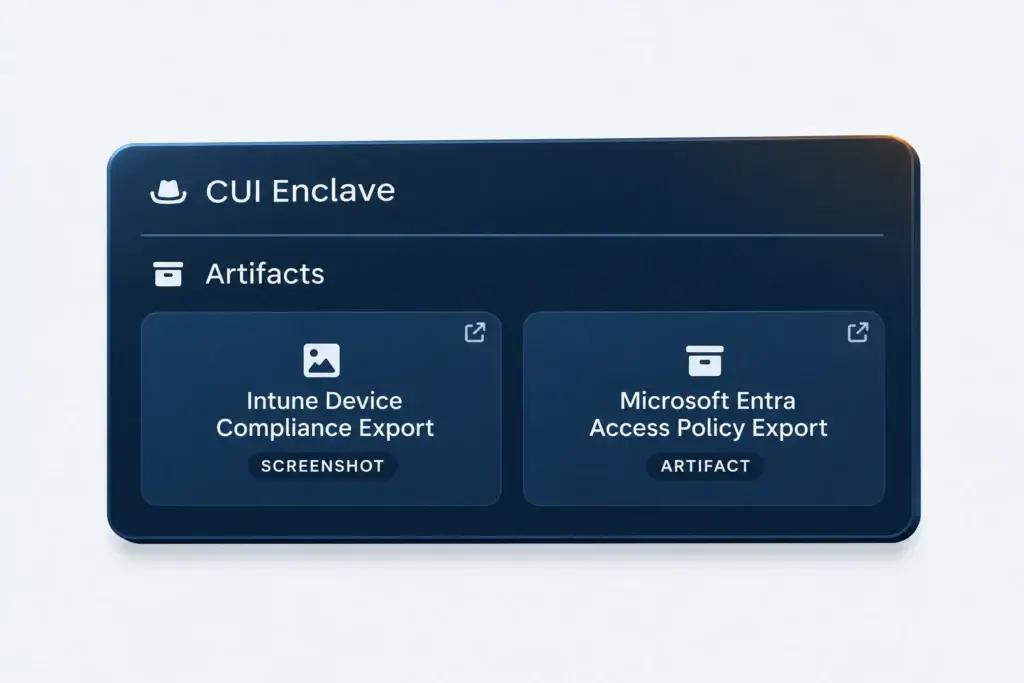
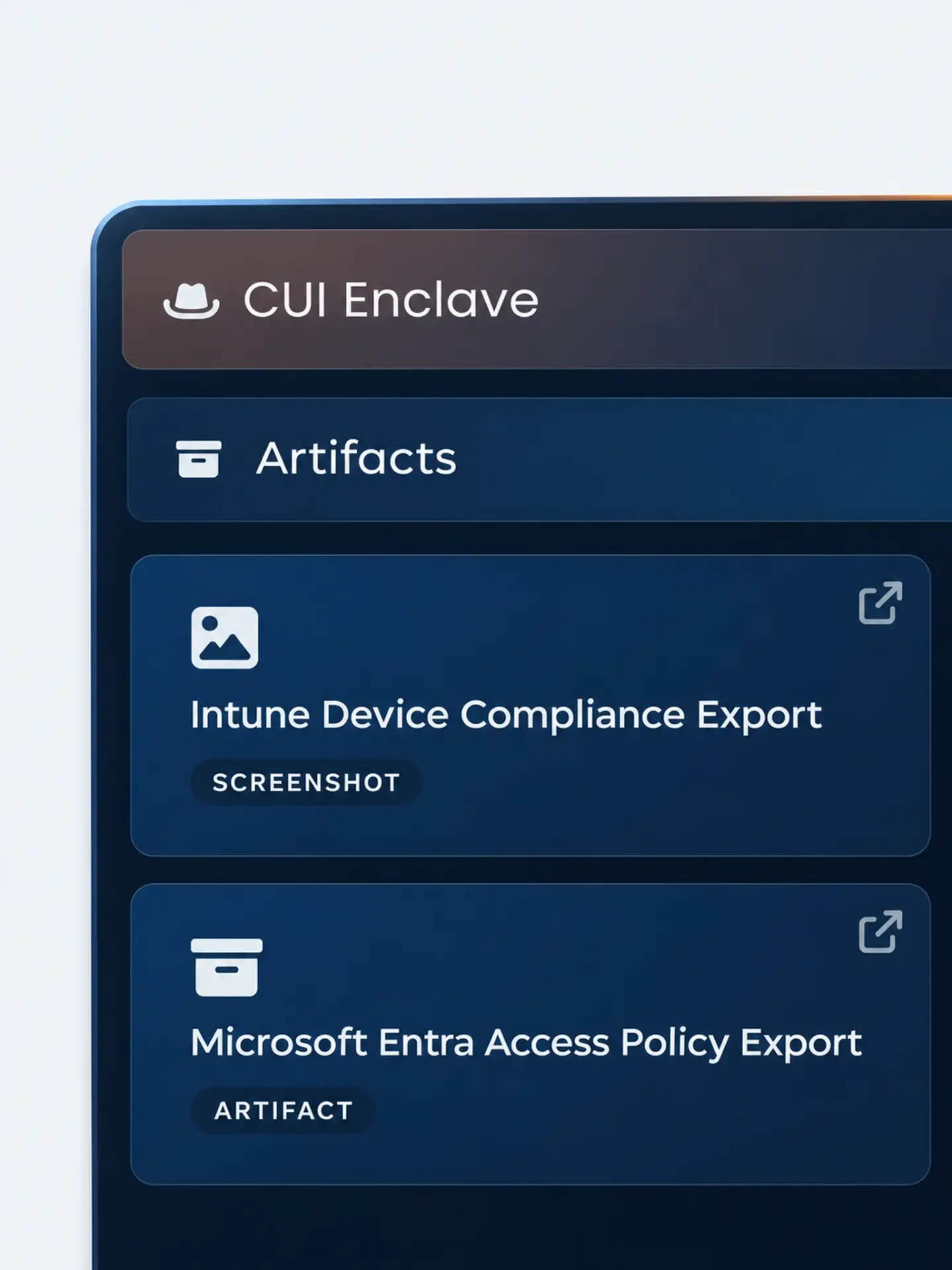
Capture evidence for the baseline configurations MotherBear Ranger applies, giving your team a record of the technical setup without collecting it by hand.
Automate evidence capture
Connect evidence to settings
Reduce manual collection
Detect configuration drift and correct it automatically
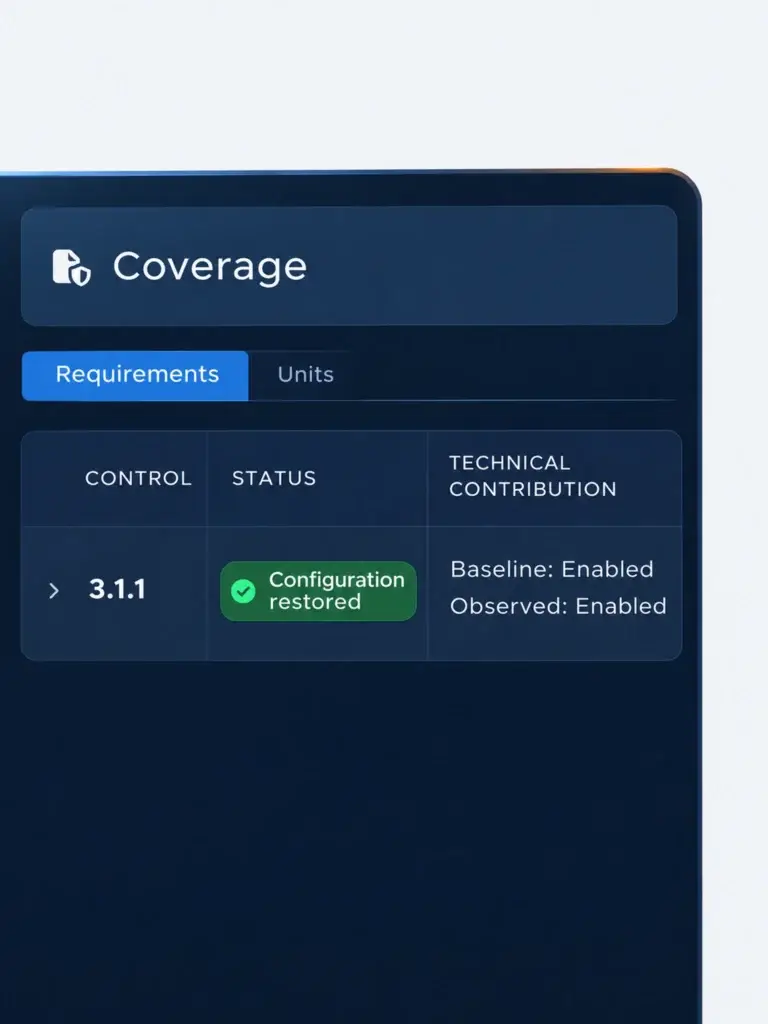
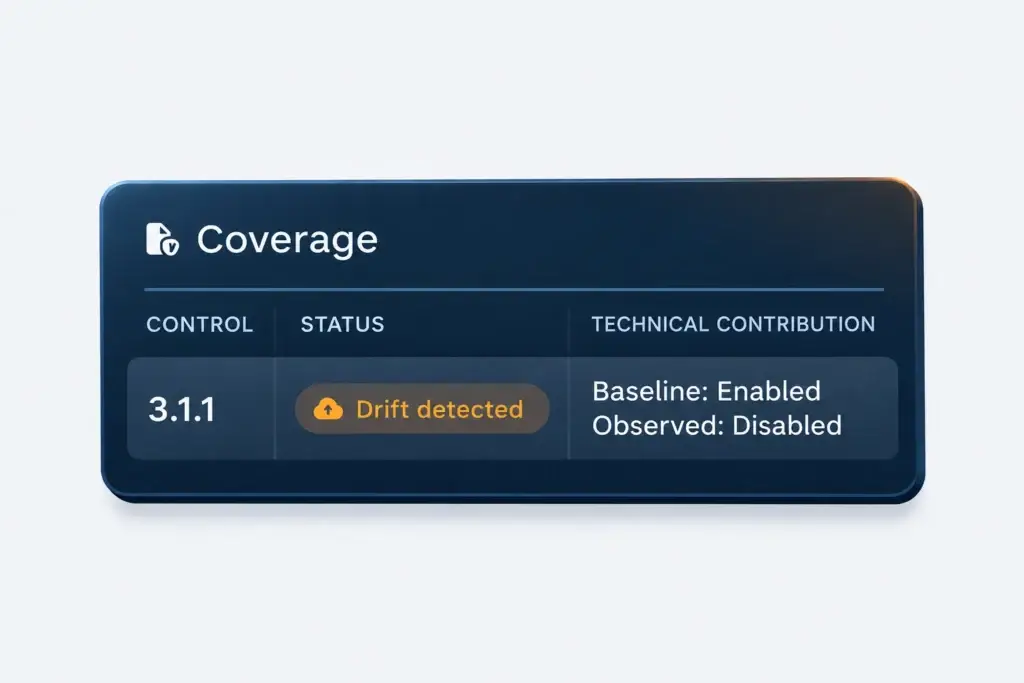
MotherBear Ranger monitors baseline settings, alerts on drift, and can deploy fixes to restore the intended configuration.
Detect configuration changes
Get alerts when settings drift
Automatically correct drift
See your Microsoft baseline in action From setup to upkeep
Explore the features
behind your baseline
Deploy baselines, capture technical evidence, monitor drift, and reuse your own configurations.
"Our assessor was blown away by MotherBear. They loved how easy it was to navigate and point to evidence for each control. Super quick to stand up and their team was amazing at implementing feedback."

"MotherBear doesn’t just listen to feedback, they act on it. Their team has taken input from assessors to make the platform more assessor friendly and better aligned for real assessments. That responsiveness has helped us strengthen our own service offering. It’s become a real strategic advantage that sets us apart from our competitors."

"MotherBear gives our small team the structure we needed to manage our CMMC program without hiring a full-time compliance officer. Every requirement maps directly to what our C3PAO will actually assess."
Questions about
MotherBear Ranger
See how MotherBear Ranger fits your Microsoft setup.
1. Does MotherBear Ranger work with both GCC and GCC High?
Yes. MotherBear Ranger supports Microsoft GCC and GCC High environments. Deploy baseline configurations automatically and review their control alignment to understand which CMMC requirements the settings support.
2. Can we build custom baselines for multiple environments?
Yes. Create custom baselines that you can reuse across environments. Internal teams, MSPs, and CMMC professionals can apply their intended configurations consistently and reduce the work of repeating the same setup.
3. What happens if a baseline configuration changes?
MotherBear Ranger detects changes from your baseline and alerts your team. It can also automatically apply a fix to restore the intended configuration, reducing manual checking and helping keep the environment aligned with its baseline.
See your baseline deploy and stay aligned
See MotherBear Ranger deploy a baseline, capture evidence, and correct drift in a live demo.